Why That Little Padlock Is One of Your Most Powerful Sales Tools
There's a small icon sitting in the top-left corner of your browser right now. A padlock. Most people barely notice it — until it's missing. And when it's missing, something instinctive kicks in. Doubt. Hesitation. A quiet voice that says, maybe I shouldn't put my credit card in here.
For small business owners, that moment of hesitation is the difference between a sale and a lost customer. And yet SSL certificates — the technology behind that padlock — remain one of the most misunderstood and undervalued investments in the SMB space.
Let's clear up some of the confusion, because this stuff genuinely matters for your bottom line.
What an SSL Certificate Actually Does
SSL stands for Secure Sockets Layer, though the modern version is technically called TLS (Transport Layer Security). The practical effect is the same: it encrypts the data traveling between your visitor's browser and your website's server.
When someone fills out a contact form, enters a zip code, or submits a payment on your site, an SSL certificate ensures that information can't be intercepted by a third party. It's the digital equivalent of sealing an envelope before you mail it, rather than sending a postcard that anyone can read.
The visual signal of that encryption is the padlock — and the "https" at the start of your URL instead of "http."
The Trust Factor Is Real (and Measurable)
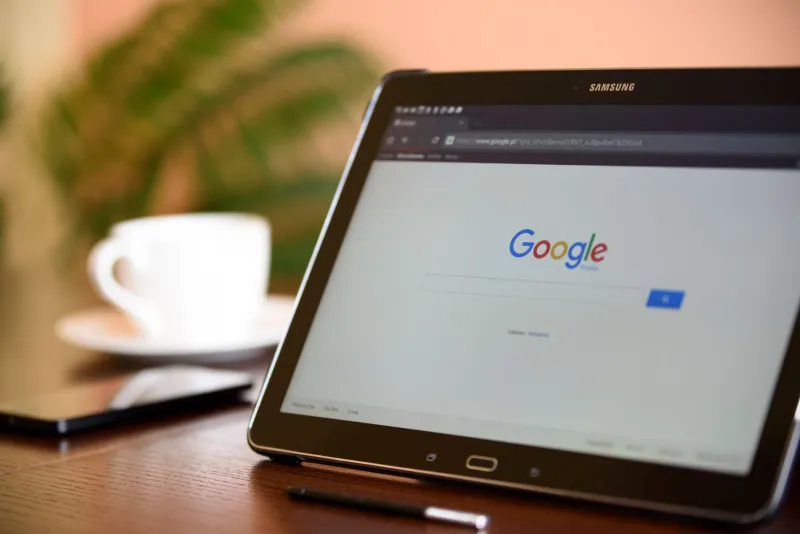
Here's something that should get every small business owner's attention: a significant portion of US consumers report that they check for the padlock icon before entering any personal information on a website. And Google Chrome — the browser used by the majority of American internet users — actively flags sites without SSL as "Not Secure" in the address bar.
Think about what that means for a potential customer who's never heard of your business. They found you through a Google search, they're interested, and then they see "Not Secure" plastered across the top of their browser. That's not a subtle warning. It's a red flag, and for many people, it's a dealbreaker.
For service businesses that rely on contact form submissions, the impact is direct. For e-commerce businesses, it's even more stark — shoppers simply will not enter payment information on a site that doesn't appear secure. Trust badges from recognizable security providers compound this effect, giving visitors additional visual reassurance that their data is protected.
SSL and SEO: The Connection Most Business Owners Miss
Google officially confirmed years ago that HTTPS is a ranking signal. In plain terms: all else being equal, a secure site will rank higher in search results than an insecure one.
For small businesses competing for visibility in local search — think "electrician in Denver" or "wedding photographer in Austin" — every ranking advantage matters. You're already competing against bigger brands with bigger budgets. Giving up free SEO points because you haven't installed an SSL certificate is the kind of thing that costs you customers silently, month after month, without you ever knowing.
Beyond rankings, secure sites also tend to see better engagement metrics. When visitors feel safe, they stay longer, click more, and convert at higher rates. Google tracks those engagement signals too, which creates a positive feedback loop for sites that prioritize security.
"But Isn't SSL Expensive?"
This is the misconception we hear most often, and it's worth addressing head-on.
Basic SSL certificates are available for free through providers like Let's Encrypt, and many reputable hosting platforms include SSL as a standard feature in their plans. At The Website Harbor, for instance, SSL isn't an add-on you have to hunt down — it's part of getting your site set up properly from the start.
More advanced SSL options, like Extended Validation (EV) certificates that display your business name in the browser bar, do come with a cost. But for most small businesses, a standard SSL certificate is entirely sufficient and costs nothing beyond what you're likely already paying for hosting.
The question isn't really "can I afford SSL?" It's "can I afford not to have it?" When you frame it against even one lost sale — a customer who bounced because they saw "Not Secure" — the math gets pretty simple.
How Competitors Are Already Using Security as an Edge
Here's something worth sitting with: your competitors who have their security infrastructure in order aren't just protecting data. They're actively converting customers who might have come to you first.
When two businesses offer similar services at similar prices, and one has a clean, secure, professionally presented website while the other sets off browser warnings, the choice is obvious. Security signals professionalism. It signals that you take your business — and your customers — seriously.
For industries like healthcare, legal services, financial advising, or any business handling sensitive customer information, this is especially critical. But even a local gym or a neighborhood restaurant benefits from the trust that a secure, well-maintained web presence communicates.
A Simple Security Checklist for SMB Owners
If you're not sure where your site stands, here's a quick starting point:
- Check your URL. Does it start with "https://"? If it starts with "http://" without the S, you don't have active SSL.
- Look for the padlock. Open your site in Chrome and check the address bar. A padlock means you're good. A warning triangle or "Not Secure" label means you need to act.
- Ask your hosting provider. A straightforward question — "Does my plan include SSL, and is it currently active on my site?" — should get you a clear answer.
- Consider trust badges. If you're running an e-commerce site or collecting sensitive information, visible security badges from recognized providers add an extra layer of customer confidence.
Drop Anchor on a Secure Foundation
Your website is your business's home port — the place customers come to learn about you, decide if they trust you, and ultimately choose to do business with you or move on. Security isn't a technical afterthought. It's part of the foundation that makes everything else work.
That little padlock isn't just protecting data. It's protecting your reputation, your search rankings, and your revenue. For the cost of a few minutes with your hosting provider, it might be the easiest win available to your business right now.